



 APS planning board
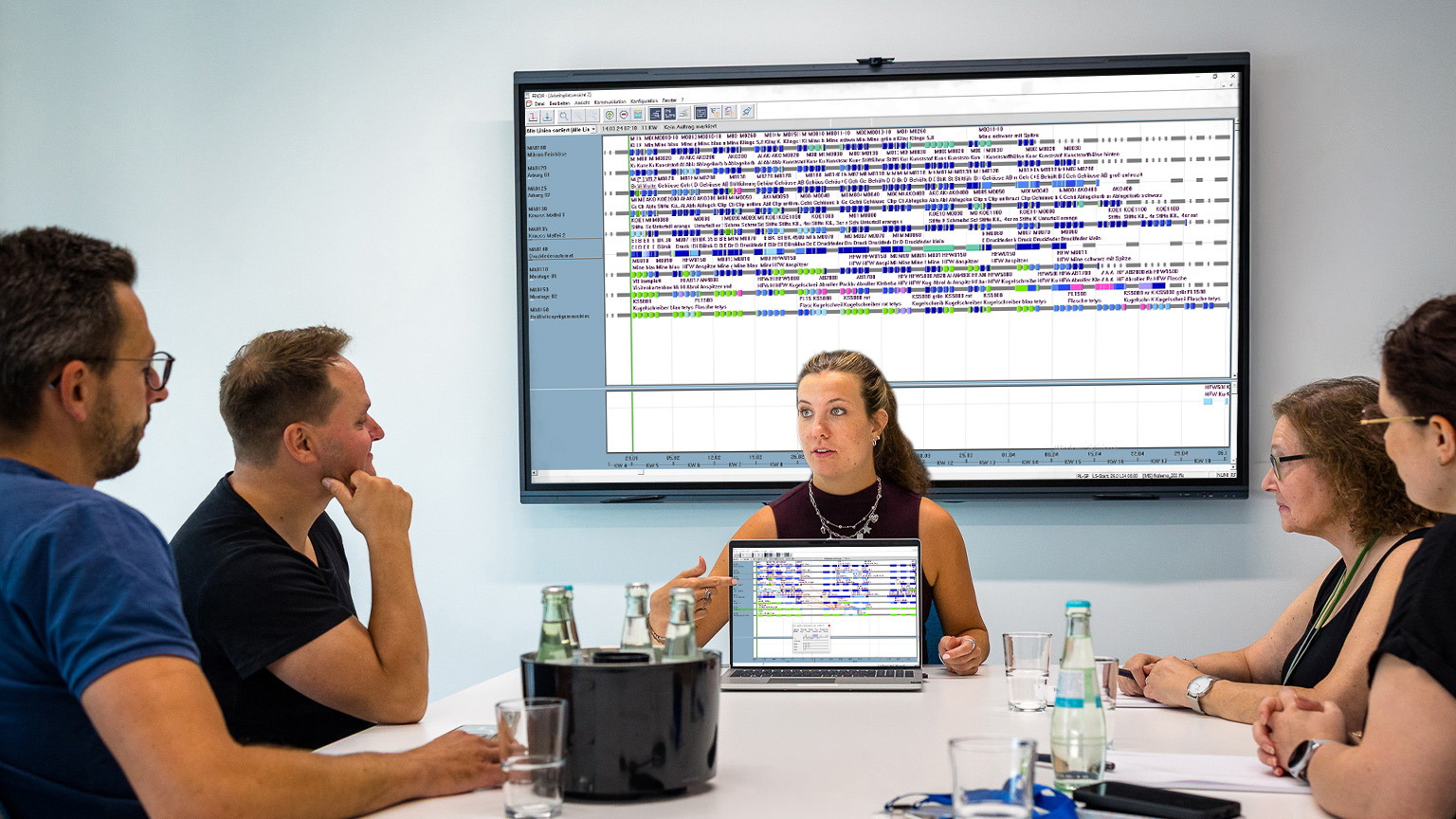
_The control centre of the future. A view of the entire factory.
Planning requires a comprehensive overview of all resources. The tetys companion APS planning board is at the heart of your production planning: an intuitive, interactive control centre for the fully digital shop floor.
_The control centre of the future. A view of the entire factory.
Planning requires a comprehensive overview of all resources. The tetys companion APS planning board is at the heart of your production planning: an intuitive, interactive control centre for the fully digital shop floor.
_The end of unmanageable Excel spreadsheets isn’t just around the corner. It’s here!
Traditional ERP lists fail on a daily basis due to the high complexity of today’s factories. They visualise work steps in isolation, but are unable to display the highly complex logistical interdependencies between preliminary, intermediate and final assembly in a synchronised manner. If the scheduler manually reschedules an order in the system, they are bound to overlook the resulting material bottlenecks or tooling conflicts for the tightly scheduled subsequent order amidst the chaos of the lists.
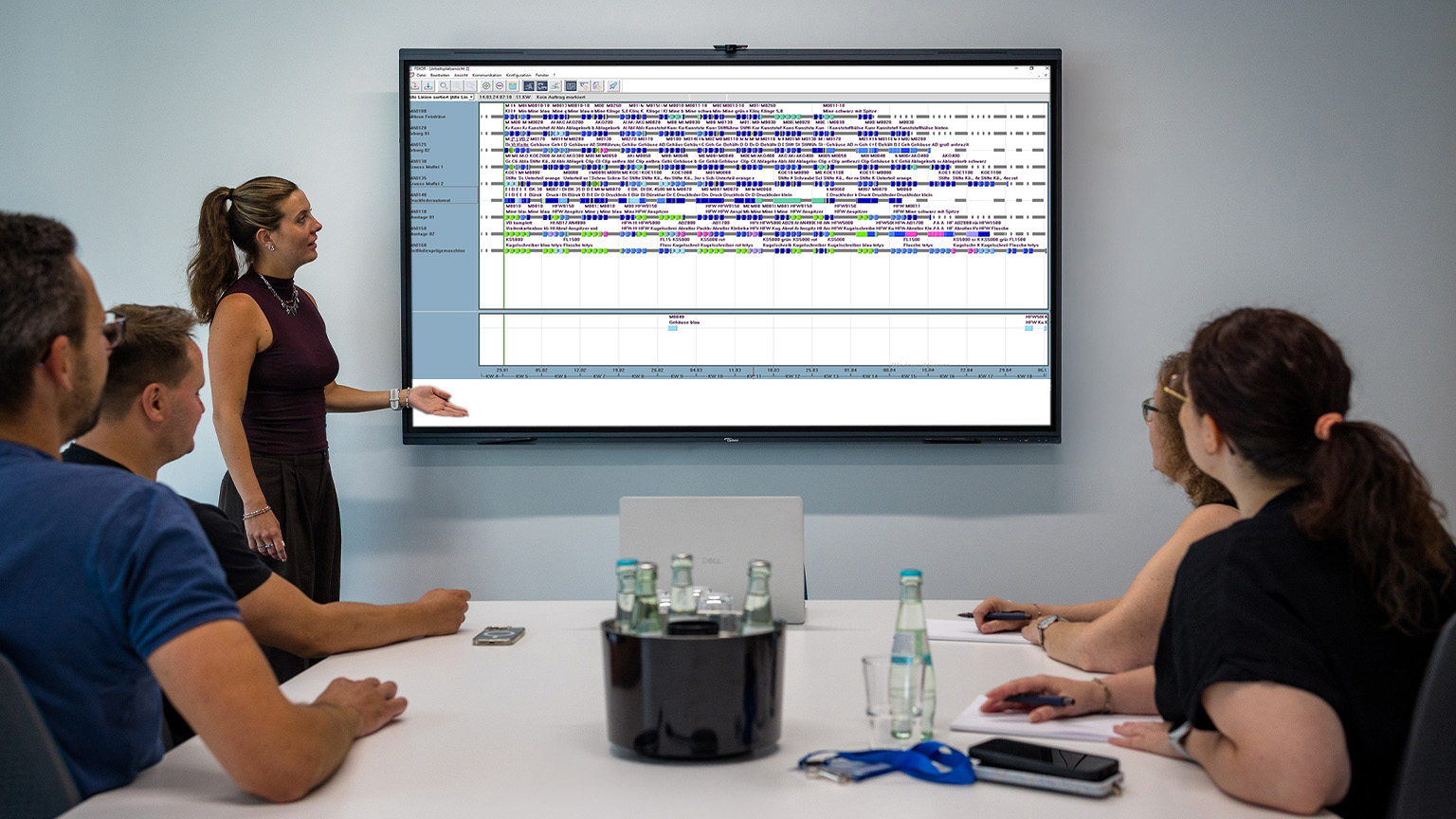
_The end of unmanageable Excel spreadsheets isn’t just around the corner. It’s here!
Traditional ERP lists fail on a daily basis due to the high complexity of today’s factories. They visualise work steps in isolation, but are unable to display the highly complex logistical interdependencies between preliminary, intermediate and final assembly in a synchronised manner. If the scheduler manually reschedules an order in the system, they are bound to overlook the resulting material bottlenecks or tooling conflicts for the tightly scheduled subsequent order amidst the chaos of the lists.
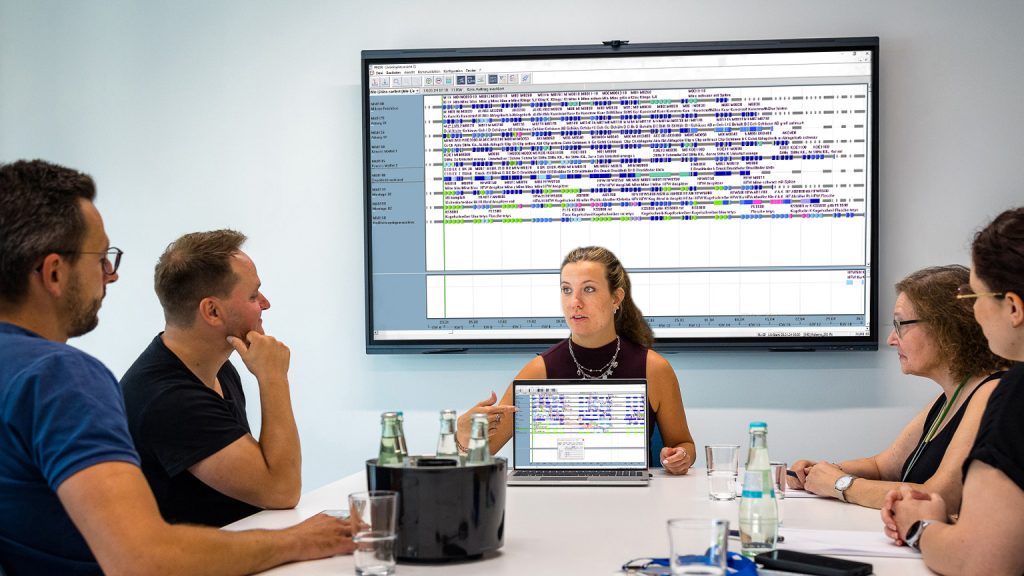
_Complexity meets intuitive usability
The graphical APS planning board is our digital control centre. The module translates the highly complex algorithms of the APS system, which run in the background, into an intuitive user interface.
Visualisation of multiple resources
The clear Gantt chart no longer shows you just machine utilisation in isolation. At the touch of a button, you can activate parallel, synchronised views showing specifically trained staff, authorised tools and critical material stocks along the same timeline.
Restriction-checked drag and drop
Move jobs interactively using the mouse in the control centre. The system checks the operational feasibility of this change in milliseconds and displays a visual warning (such as a prominent red border) if the move is likely to result in a resource shortage at the time of set-up.
Dynamic network diagram display of orders
The interlinking of multi-stage, sequential production orders (e.g. injection moulding → assembly → printing → final inspection) is seamlessly mapped using a network of lines. If a preceding process is delayed, the control centre automatically adjusts all subsequent processes in the Gantt chart in a way that minimises the impact on resources.
 Inside the Code
Personalisation & Overview of the Order Book
Any authorised user in the plant (production planner, shift supervisor or foreman in toolmaking) can set up personalised work windows for the APS planning board on their own computer. Filters for specific machine groups (such as milling machines only) or orders with missed deadlines ensure maximum focus on the task at hand. Updates to this board are bidirectional: manual changes made by the planner in the control centre are immediately reflected as target specifications, whilst feedback from production via MES pro (scrap / cycles) simultaneously updates the order view in the planning control centre.
Inside the Code
Personalisation & Overview of the Order Book
Any authorised user in the plant (production planner, shift supervisor or foreman in toolmaking) can set up personalised work windows for the APS planning board on their own computer. Filters for specific machine groups (such as milling machines only) or orders with missed deadlines ensure maximum focus on the task at hand. Updates to this board are bidirectional: manual changes made by the planner in the control centre are immediately reflected as target specifications, whilst feedback from production via MES pro (scrap / cycles) simultaneously updates the order view in the planning control centre.
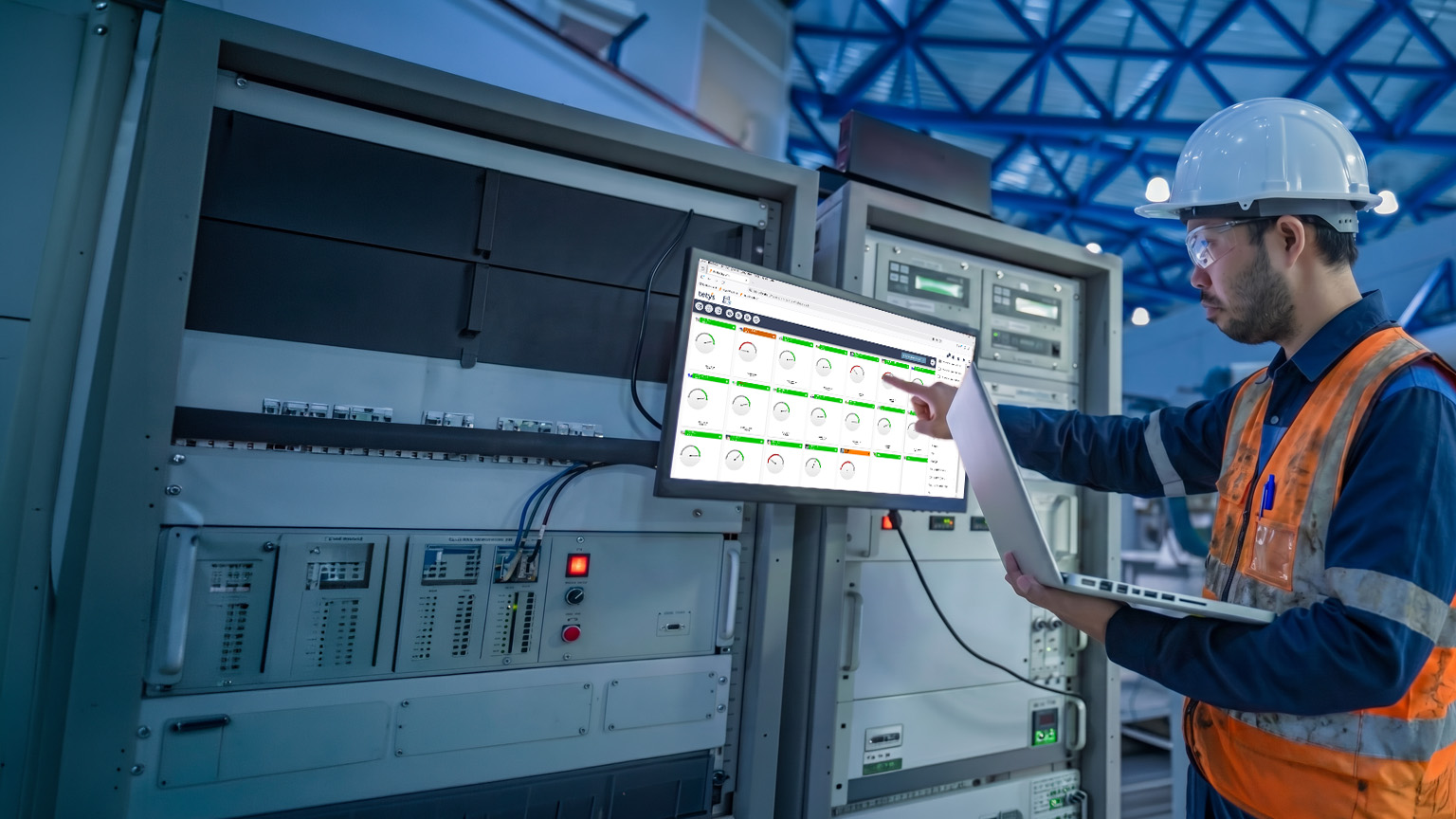
_Always plan with confidence and be sure to avoid mistakes
Equip your work planning team with the most technologically advanced tool on the market to make complex processes simple again.